
Write once, tailor per channel
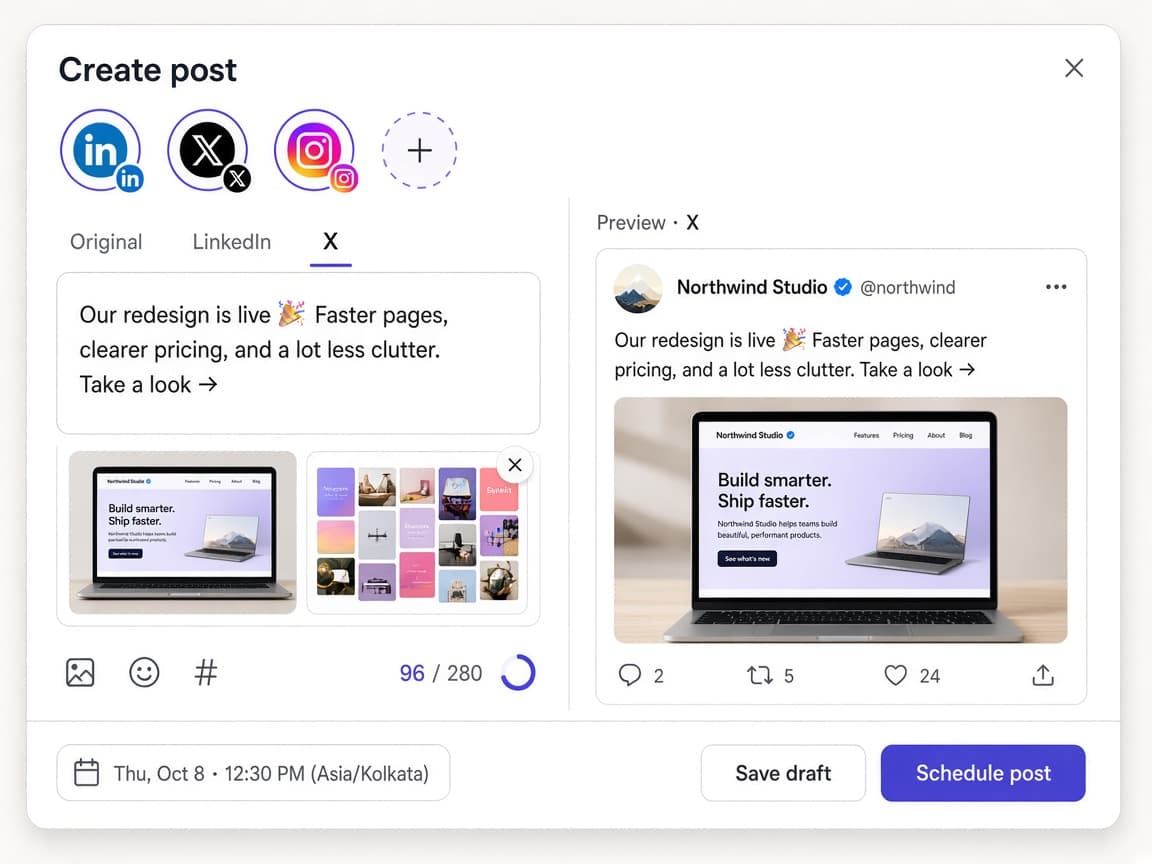
Pick your channels, write the post, and adjust the wording for any platform that needs it — with a live preview as you type.
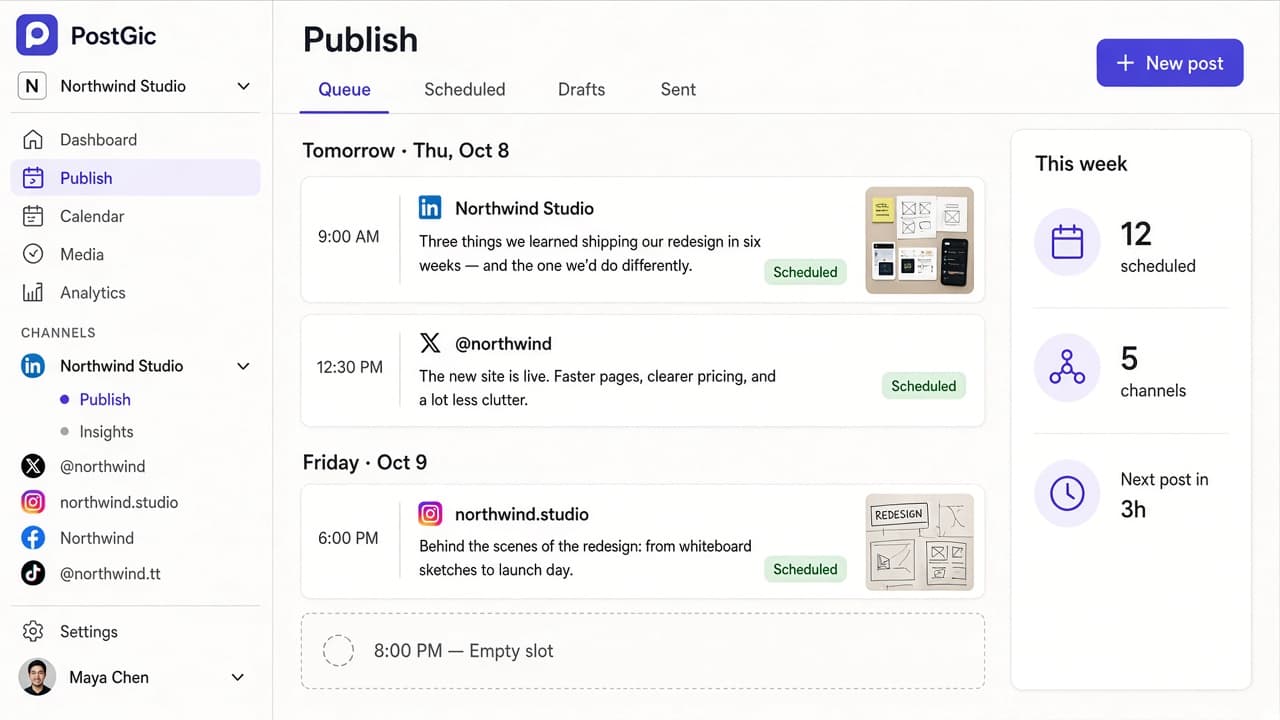
Schedule posts to every platform you use, for every account you run — from one simple workspace.
Free for 3 channels. No credit card needed.
Features
The essentials are fast and obvious. The hard parts — platform rules, timezones and failed posts — are handled for you.
Pick your channels, write the post, and adjust the wording for any platform that needs it — with a live preview as you type.
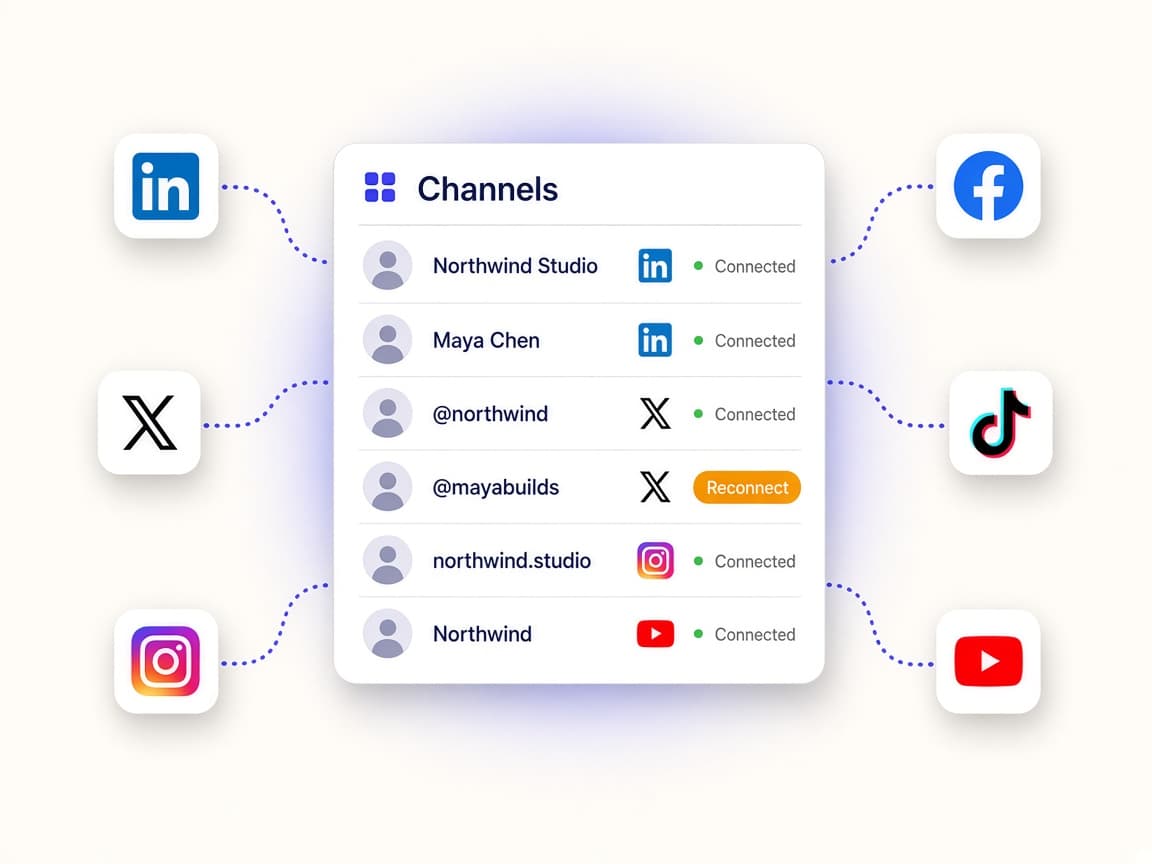
Two X accounts, a profile and three Pages — each with its own queue.
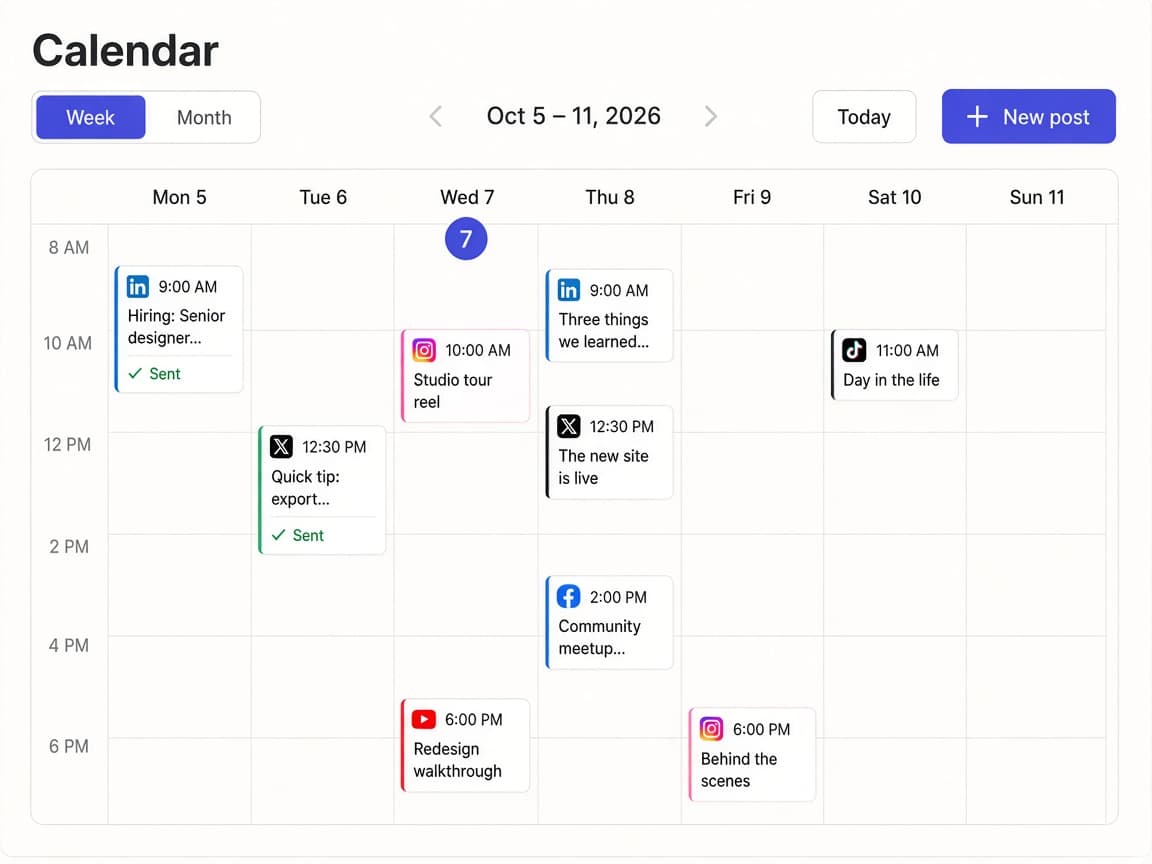
Every scheduled post across every channel, color-coded by platform.
Temporary errors retry on their own. Anything that can’t go out tells you why, with a one-click retry.
Schedule in your workspace’s timezone. Everyone sees the same plan.
Upload images and video once, reuse them in any post.
Separate workspaces per brand or client, with the right access for everyone.
How it works
No setup calls, no manuals. If you can write a post, you can use PostGic.
Sign in with Google and connect the accounts you post to — as many per platform as you need.
Compose a post, preview it on each platform, and adjust the wording where it matters.
Pick a time or add it to your queue. PostGic publishes it and tells you if anything needs attention.
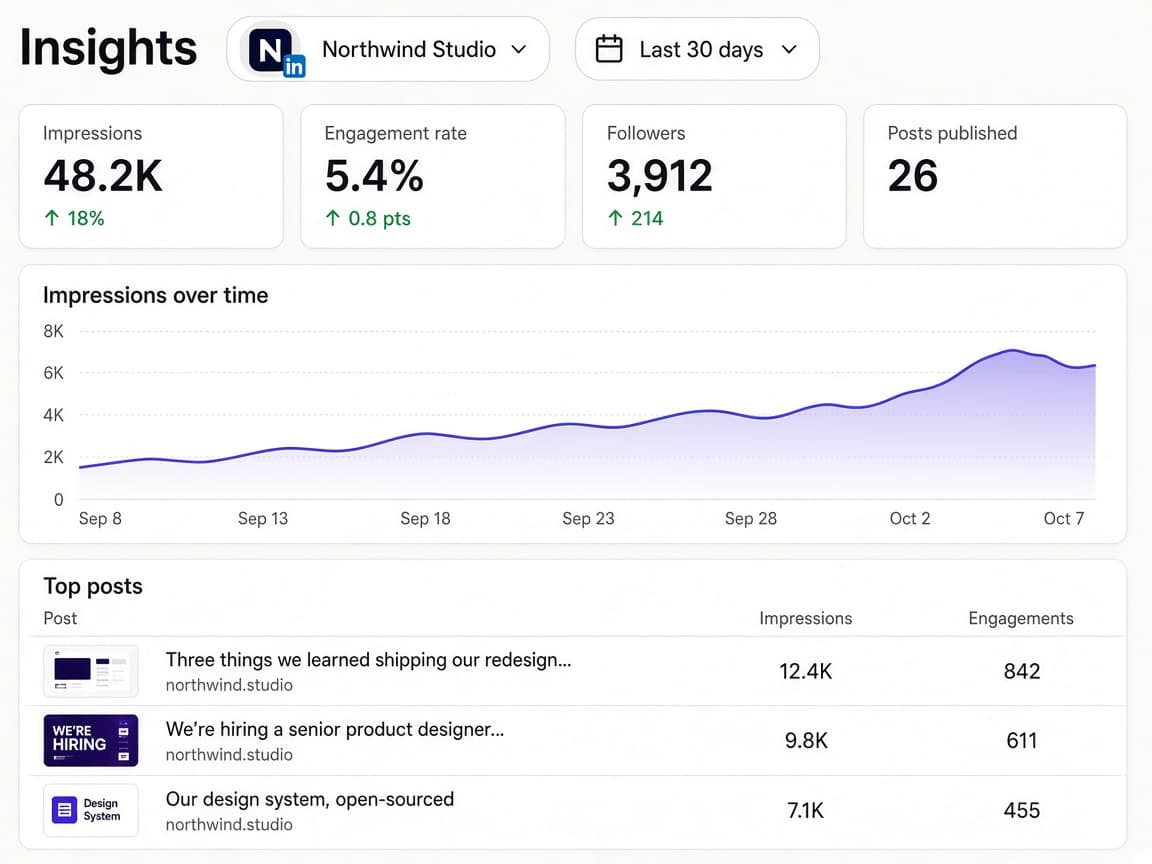
Insights · Coming soon
Track how each account performs and learn which posts your audience responds to — then plan more of them.
Platforms
Each platform has its own rules. PostGic knows them, so your posts are right the first time.
Personal and business X accounts. Connect as many as your plan allows — each one keeps its own queue and posting times.
Learn more→Personal LinkedIn profiles and the company Pages you administer.
Learn more→Instagram professional accounts (Business or Creator). Switching a personal account to a professional one is free and takes a minute in the Instagram app.
Learn more→Facebook Pages you manage. Meta doesn’t allow third-party tools to publish to personal profiles, so PostGic works with Pages only.
Learn more→TikTok accounts, including personal creator and business accounts.
Learn more→YouTube channels on the Google accounts you connect, including brand channels you manage.
Learn more→FAQ
Can’t find what you’re looking for? Start free and see for yourself.
X (Twitter), LinkedIn, Instagram, Facebook Pages, TikTok and YouTube, with more on the way.
Yes. PostGic is built around multiple accounts — connect two X accounts, a LinkedIn profile and several company Pages, and manage each separately.
No. Posts are published automatically from our servers at the scheduled time.
There’s a free plan for up to three channels, where each channel can have 10 posts scheduled at a time and send 5 a week. Paid plans are priced per channel, from $5 a month, and add analytics and teams. X accounts cost $10 a month extra to cover X’s API fees.
Connect your accounts, write your posts and let PostGic handle the publishing. Free to start — no credit card needed.